
Components
In the Details section you can select the components you are going to use for the design of your installation: modules, inverters and batteries.
INFO
You can request the addition of new components if they are not available in the database.
Search
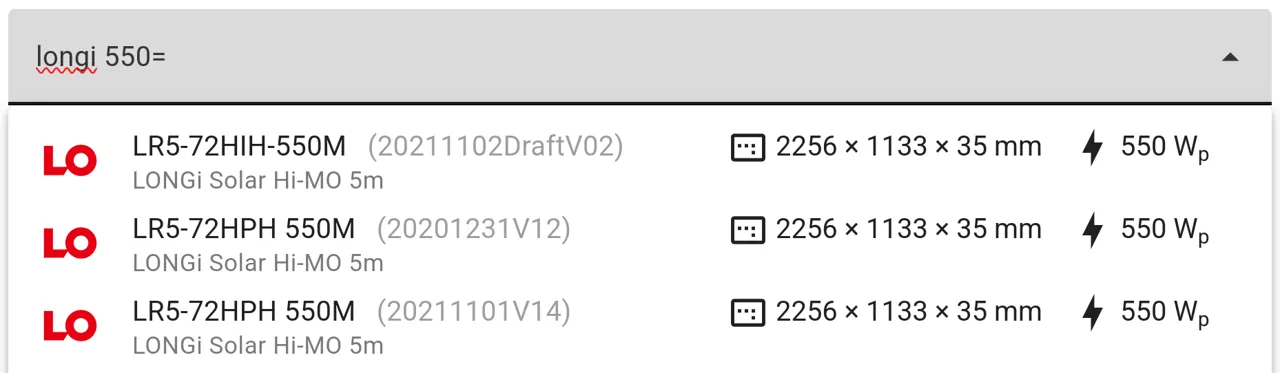
By using the search field, you can filter components by brand name, series, power/capacity and model:
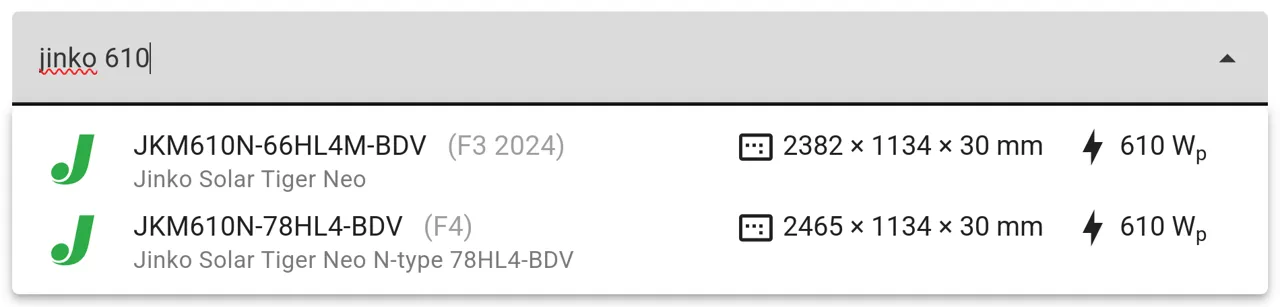
Click on any of the search results to select a model.
Quick filters
You can use quick filters to filter and sort the results by the main characteristic of the component:
- Peak power for modules (in W).
- Nominal power for inverters (in kW).
- Capacity for batteries (in kWh).
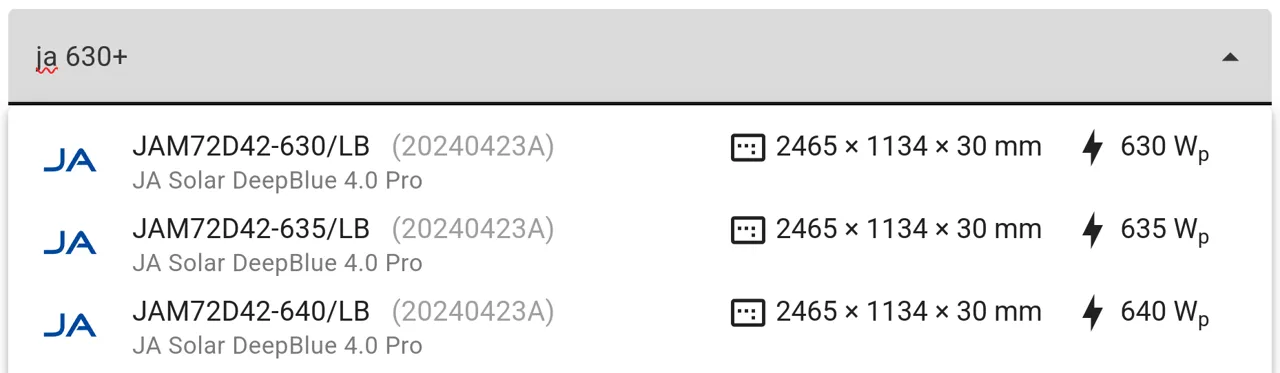
Use the + sign to define a minimum value:
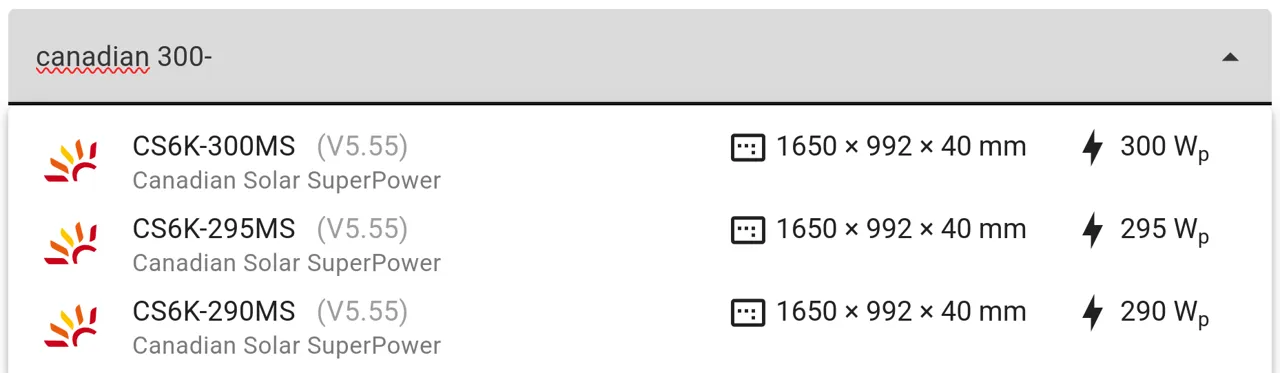
Use the - sign to define a maximum value:
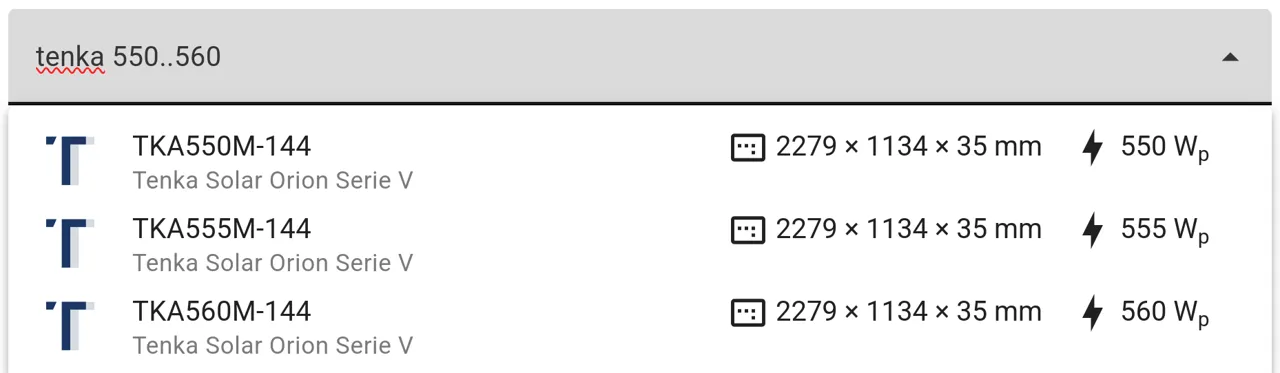
Use .. (two dots) to define a range:
Use the = define an exact value:
Advanced filters
You can click on the advanced filter button to the right of the search field to apply and combine filters based on different parameters:

Selection
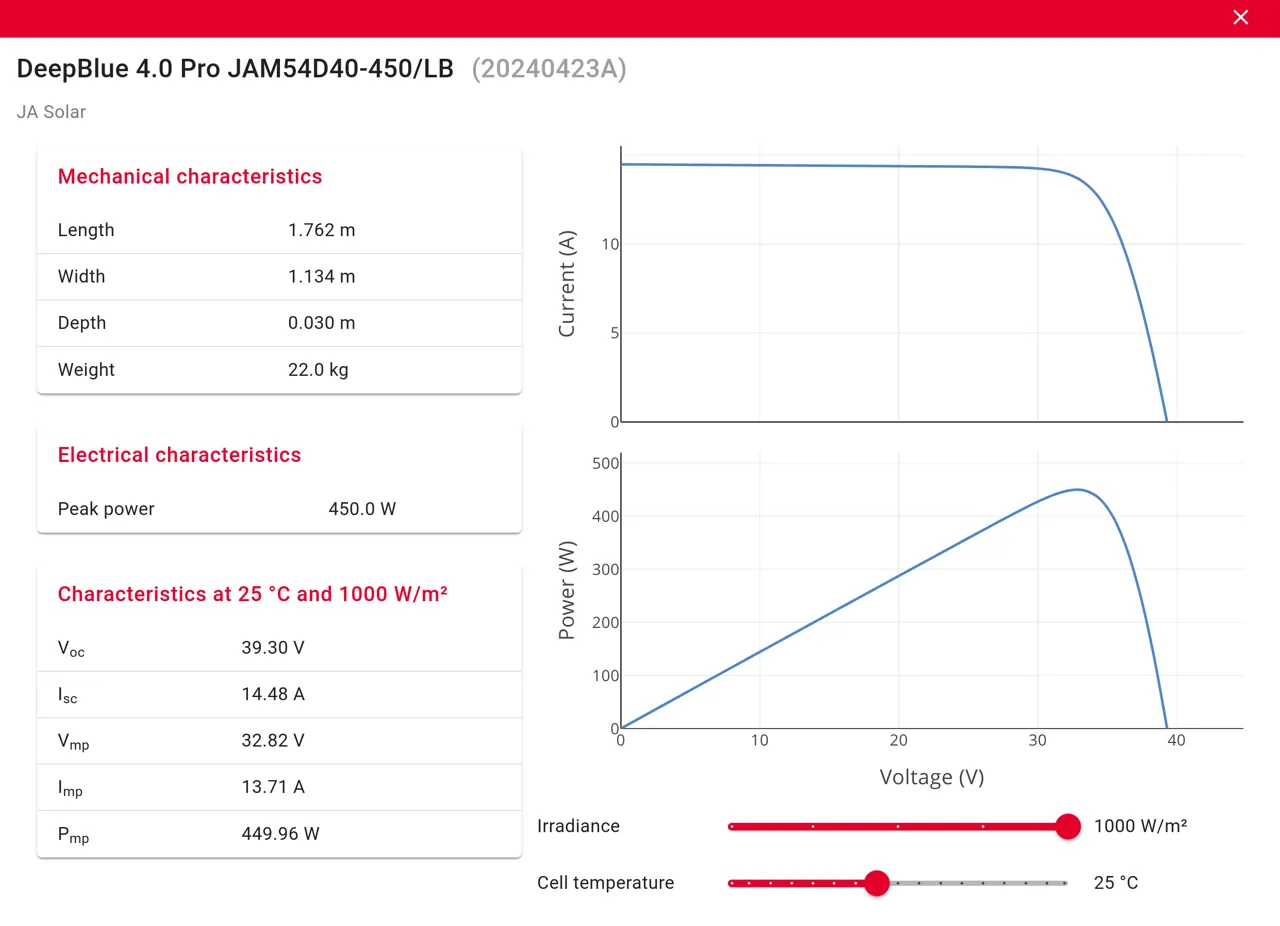
When you select a model, it will appear above the search field.

Clicking on its name will allow you to view its specifications:
You can add as many module and inverter models as you need for your designs. You can also delete them at any time as long as they are not currently in use in the Editor.
Batteries
When selecting batteries, you can specify the target System capacity and the Dispatch strategy:

The platform automatically finds the best configuration to reach the target capacity. If the exact target cannot be reached, it selects the configuration with the closest capacity above the target or, if not possible, the closest below.
You can choose from the following dispatch methods:
- Self-consumption: maximizes self-consumption.
- Arbitrage: maximizes earnings by charging from the grid when energy prices are lower.